Mechanics
Key sorting rules: where a placement counts, when rows unlock progress, how keys work, where loose books start, and which actions challenge runs restrict.
| Image | Mechanic | What it answers | Why it matters |
|---|---|---|---|
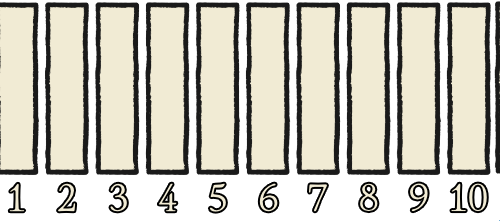
![]() | Book Placement | Each title belongs to one shelf section. All volumes of the same title must stay together on one row and be ordered left to right. | If a book is in the right category but the wrong row order, the game still treats it as wrong. |
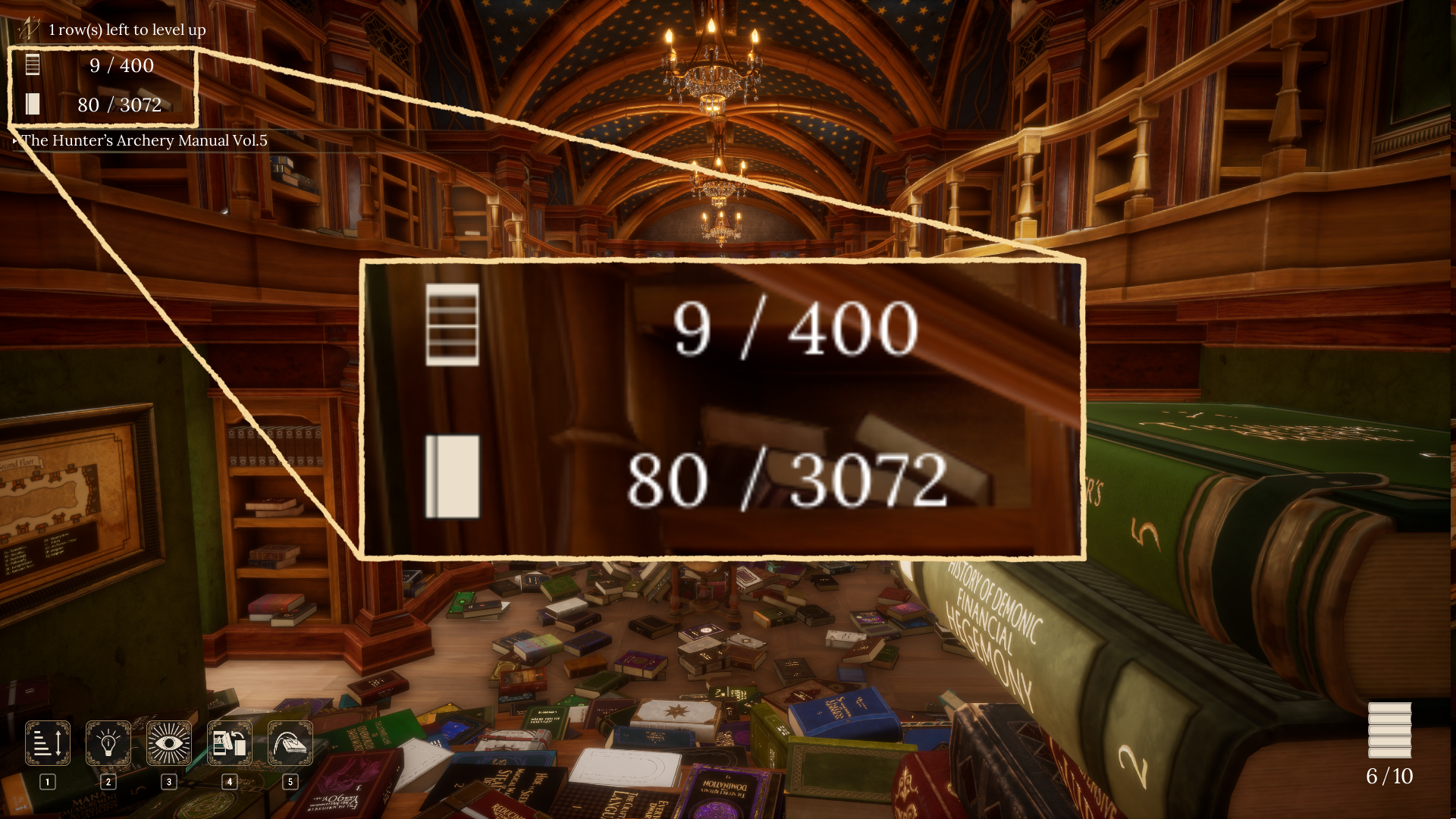
![]() | Progress and Leveling | The game tracks completed rows, placed books, held books, magic points, and major-magic progress in the interface. | Completed rows unlock magic progress, so clean rows matter more than random book count early on. |

![]() | Keys and Chests | Four hidden keys match four chest symbols and unlock movement or carrying upgrades. | Get chest upgrades before long sorting routes because they speed up every later trip. |
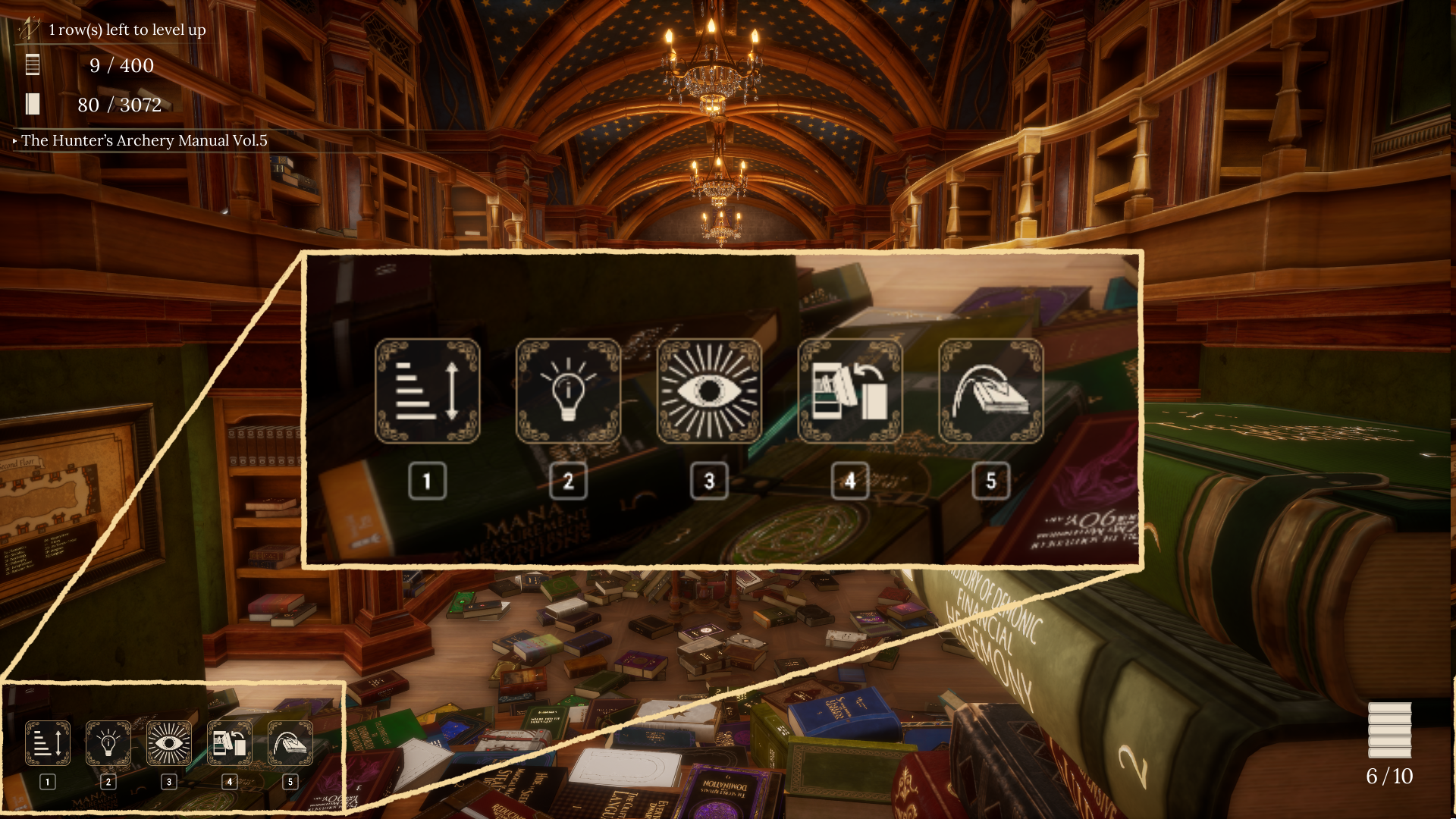
| Anti-Magic Rules | Anti-Magic Master is about avoiding active major magic while completing the main library manually. | Use maps, category memory, and volume order instead of active spell tools. | |

![]() | Special Stage | Special Stage appears after a main-library completion and is tied to Overtime Avoider. | After finishing the main library, enter Special Stage and use the ultimate skill rather than treating it like a normal manual clear. |
| Starting Book Locations | Loose book copies start in lower-library, stair/mid-library, or upper-library areas. | Use the starting band to narrow a missing-book search before checking the destination shelf section. | |
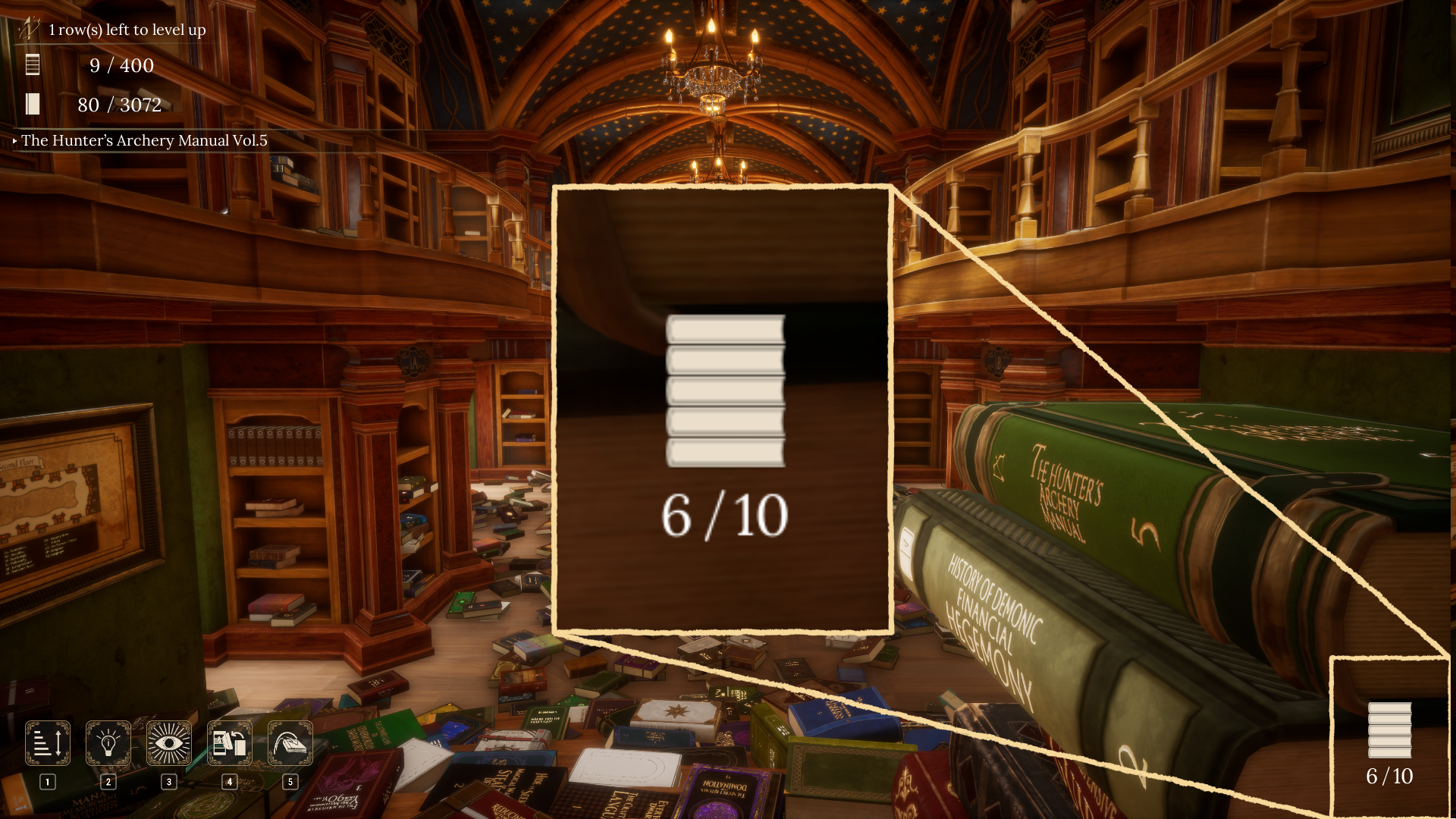
![]() | Missing Book Troubleshooting | A stuck 399/400 or incomplete section usually means one row is not actually correct. | Find the section whose plaque is not blue, then inspect title grouping and volume order inside that section. |
![]() | Autosave and Safe Quits | The game saves after specific progress triggers shown in the tutorial. | You can quit safely after a save trigger, but should finish the current row before leaving if you want a clean checkpoint. |

![]() | Cozy Gameplay | Cozy Gameplay hides the play-time UI and stops lighting from changing as time passes. | Use it for a relaxed clear, but do not treat it as a score-free mode because the game says it still affects the Principal's evaluation. |
![]() | Evaluation and Endings | The result screen grades your run with Principal Merlin's evaluation and tracks speed, magic use, keys, rows, and best time. | Use the evaluation fields to decide which run type you are doing: normal, speed, no-major-magic, Special Stage, or bad-ending. |
Consolidated Record Details
Section titled “Consolidated Record Details”Book Placement
Book Placement: Each title belongs to one shelf section. All volumes of the same title must stay together on one row and be ordered left to right.
Player Impact
Section titled “Player Impact”If a book is in the right category but the wrong row order, the game still treats it as wrong.
Rules To Remember
Section titled “Rules To Remember”- The tutorial says different titles have different volume counts, so choose a shelf tier that has room for the whole title.
- When aiming at a shelf, a green highlight means placement is possible and a red highlight means the spot is blocked by an obstruction.
- A golden placement glow means the book landed correctly.
- A faint red glow means the book is in the correct category but the position, tier, or same-title volume order is wrong.
- If the book is on the wrong bookshelf category, use the maps on both sides of the stairs to find the correct shelf section.
- A completed category plaque glows blue after every title row in that section is correct.
Patch Notes
Section titled “Patch Notes”- Version 1.0.10 optimized book collision detection, so update first if old physical-placement behavior feels unreliable.
Related
Section titled “Related”Progress and Leveling
Progress and Leveling: The game tracks completed rows, placed books, held books, magic points, and major-magic progress in the interface.
Player Impact
Section titled “Player Impact”Completed rows unlock magic progress, so clean rows matter more than random book count early on.
Rules To Remember
Section titled “Rules To Remember”- The library has 400 title rows and 3,072 total book volumes.
- The top progress icons count properly organized bookshelf rows.
- The bottom progress icons count books placed on shelves.
- Placed is not the same as placed correctly: a book can count as on a shelf while still failing row completion, speed-clear, and no-major-magic completion requirements.
- The game shows how many rows are left before the next level up.
- Novice Mage, Sage of the Library, and The Archmage all belong on a normal major-magic route.
- Spend into every major magic branch on the same completion file if you are working toward The Archmage.
Related
Section titled “Related”Keys and Chests
Keys and Chests: Four hidden keys match four chest symbols and unlock movement or carrying upgrades.
Player Impact
Section titled “Player Impact”Get chest upgrades before long sorting routes because they speed up every later trip.
Rules To Remember
Section titled “Rules To Remember”- The game tutorial says each chest needs the key with the matching symbol, shape, or marking.
- Crimson Octagon Key unlocks High Jump; see the key page for the exact location.
- Golden Diamond Key unlocks Carry Capacity +3; see the key page for the exact location.
- Azure Star Key unlocks Carry Capacity +2; see the key page for the exact location.
- Emerald Club Key unlocks the Run permit; see the key page for the exact location.
Related
Section titled “Related”Anti-Magic Rules
Anti-Magic Rules: Anti-Magic Master is about avoiding active major magic while completing the main library manually.
Player Impact
Section titled “Player Impact”Use maps, category memory, and volume order instead of active spell tools.
Rules To Remember
Section titled “Rules To Remember”- Avoid Assemble, Insight, Shelf Guide, Sort, and Auto-Shelving.
- The result screen tracks Major Magic Used, so do not test active spells on a no-magic attempt.
- A crystal interaction on the back landing between floors explicitly says it will not count toward magic usage; use it to recover missing books instead of casting a major spell.
- Chest upgrades such as High Jump, the Run permit, and carry-capacity upgrades are passive minor upgrades, but the safest route is still to organize manually.
- Community reports indicate that spending points into a major magic can still invalidate Anti-Magic Master even if you never cast it, so leave major-magic upgrades untouched on that run.
- Do not combine this with Efficiency Librarian; the goals pull in opposite directions.
Patch Notes
Section titled “Patch Notes”- Version 1.0.10 changed Recall Stone recovery from 10 books to a max of 20 books.
- Version 1.0.5 added Recall Stone recovery. Use the crystal recovery path instead of casting major magic on an Anti-Magic run.
Related
Section titled “Related”Special Stage
Special Stage: Special Stage appears after a main-library completion and is tied to Overtime Avoider.
Player Impact
Section titled “Player Impact”After finishing the main library, enter Special Stage and use the ultimate skill rather than treating it like a normal manual clear.
Rules To Remember
Section titled “Rules To Remember”- Finish the main 3,072-book library before routing this.
- Open Special Stage from the title-screen option after completion.
- Special Stage includes an Ultimate prompt for this mode; follow that prompt for Overtime Avoider instead of trying to rerun a full manual library route.
- The result screen says special-stage clear times are not recorded as normal best times.
Patch Notes
Section titled “Patch Notes”- Version 1.0.2 fixed Special Stage achievement behavior.
- Version 1.0.4 fixed a case where Special Stages could be pushed away during item inspection and leave the player stuck.
Related
Section titled “Related”Starting Book Locations
Starting Book Locations: Loose book copies start in lower-library, stair/mid-library, or upper-library areas.
Player Impact
Section titled “Player Impact”Use the starting band to narrow a missing-book search before checking the destination shelf section.
Rules To Remember
Section titled “Rules To Remember”- Every physical book volume has one known starting spot, and the total matches the 3,072 books in the library.
- Each book page lists the title's strongest starting band: lower library, stair/mid area, or upper library.
- The band tells you where loose copies usually begin; shelf destination still follows the title's category section and volume order.
- Shelf placement is still controlled by the title's category section and volume order.
Related
Section titled “Related”Missing Book Troubleshooting
Missing Book Troubleshooting: A stuck 399/400 or incomplete section usually means one row is not actually correct.
Player Impact
Section titled “Player Impact”Find the section whose plaque is not blue, then inspect title grouping and volume order inside that section.
Rules To Remember
Section titled “Rules To Remember”- Look for red placement feedback when moving suspicious books.
- If a book falls outside the map bounds, the game returns it to its original position.
- If loose books seem to have disappeared, use the blue crystal above the podium on the back landing between floors; community reports confirm this summons missing books and does not count as major magic.
- Do not assume alphabetical order matters; row order only needs same-title volumes left to right.
- Use Shelf Guide or Insight on a non-Anti-Magic run to narrow down unclear titles.
Related
Section titled “Related”Autosave and Safe Quits
Autosave and Safe Quits: The game saves after specific progress triggers shown in the tutorial.
Player Impact
Section titled “Player Impact”You can quit safely after a save trigger, but should finish the current row before leaving if you want a clean checkpoint.
Rules To Remember
Section titled “Rules To Remember”- A bookshelf row is completed.
- A minor magic is learned.
- The game is exited.
- Returning to the main menu.
- Every 50 books are shelved.
Patch Notes
Section titled “Patch Notes”- Version 1.0.9 optimized save data and the saving process. Keep a manual backup before changing versions or troubleshooting save issues.
- The rollback notice explains how to select earlier 1.0.4-1.0.7 branches if an update blocks play.
- Version 1.0.7 and Version 1.0.8 fixed loading/startup crashes, so update before assuming a save is permanently broken.
Related
Section titled “Related”Cozy Gameplay
Cozy Gameplay: Cozy Gameplay hides the play-time UI and stops lighting from changing as time passes.
Player Impact
Section titled “Player Impact”Use it for a relaxed clear, but do not treat it as a score-free mode because the game says it still affects the Principal’s evaluation.
Rules To Remember
Section titled “Rules To Remember”- Cozy Gameplay is described as a relaxed experience where you do not have to worry about time.
- Lighting does not change as time passes.
- The play-time UI is hidden.
- The confirmation text says the choice still affects the Principal's evaluation.
Related
Section titled “Related”Evaluation and Endings
Evaluation and Endings: The result screen grades your run with Principal Merlin's evaluation and tracks speed, magic use, keys, rows, and best time.
Player Impact
Section titled “Player Impact”Use the evaluation fields to decide which run type you are doing: normal, speed, no-major-magic, Special Stage, or bad-ending.
Rules To Remember
Section titled “Rules To Remember”- Result ranks found in the UI: Fired!, A Total Mess!, A Sleepy Person!, A Very Good Person!, Very Interesting!, The Tremendous Winner!.
- The door warns that there is no way to leave the library until the sorting work has been completed.
- The title screen includes Special Stage after completion.
- The game includes Normal, NoMagic, and Pizza ending paths.
- Special Stage clear times and not-fully-arranged libraries are not recorded as normal clear times.


